In May 2006, a data analyst at the US Department of Veterans Affairs took home a laptop and external hard drive containing personally identifiable information for 26.5 million US military veterans, including names, dates of birth, Social Security numbers, and some disability ratings. The data had been downloaded from a VA database without authorisation.
On 3 May 2006, the employee’s home was burgled. The laptop and hard drive were stolen.
The VA notified Congress on 22 May 2006, three weeks after the theft. The disclosure triggered a congressional investigation, the resignation of the VA’s Chief Information Officer, and a series of emergency policy changes. The VA offered free credit monitoring to affected veterans. Congress enacted the Veterans Benefits, Health Care, and Information Technology Act of 2006 in part in response to the incident. The VA ultimately settled a class action lawsuit for USD $20 million.
The root cause was a physical security failure at multiple levels: data was stored on a portable device that was taken off-site, the device was not encrypted, the data was downloaded without appropriate authorisation, and the employee was permitted to take the device home without adequate oversight.
Physical security controls exist to prevent exactly this scenario, by ensuring that sensitive data does not leave controlled environments in a form that can be accessed by unauthorised parties.
The Risk
Physical Security controls within the Group I framework address the risk that IT infrastructure, including data centres, server rooms, workstations, laptops, and removable media, is protected from unauthorised physical access, theft, and tampering.
The risk profile of inadequate physical security includes:
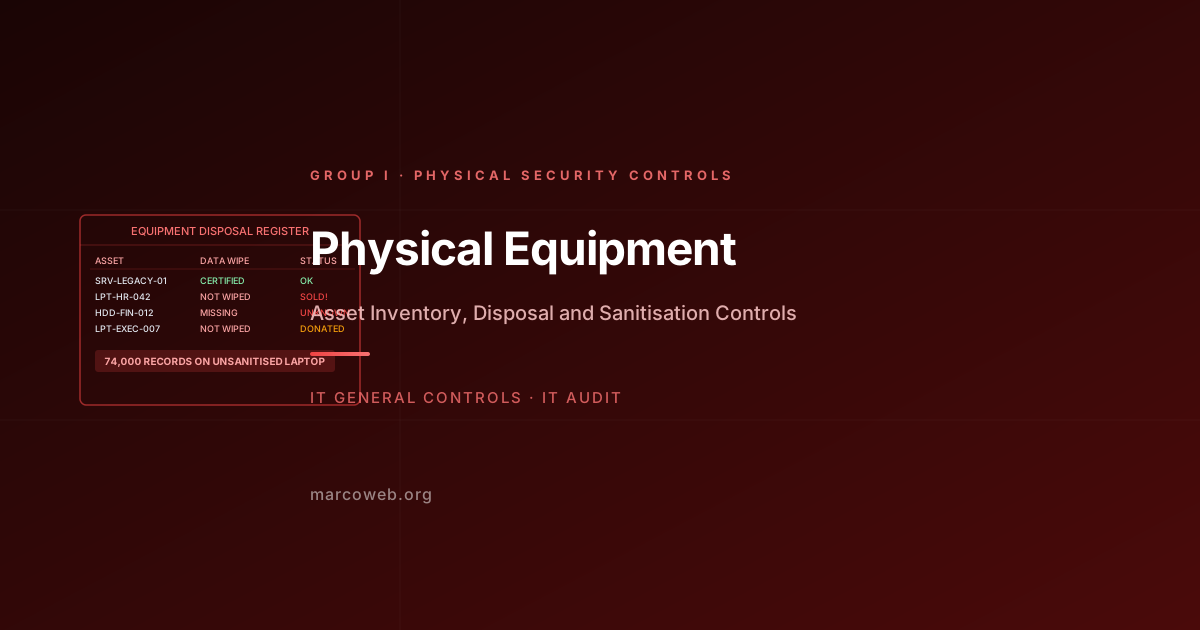
Laptop and mobile device theft: Portable devices containing sensitive data that are lost or stolen outside of a controlled environment expose that data if the device is not encrypted. The VA case is one of the most prominent examples, but thousands of similar incidents occur annually.
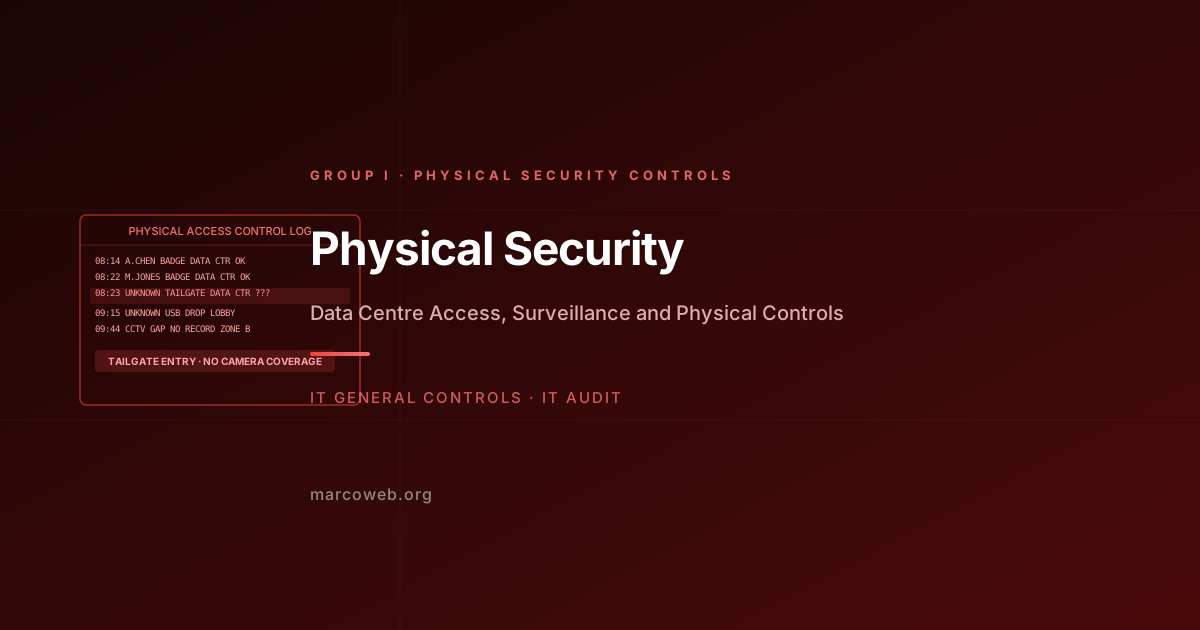
Data centre unauthorised access: Physical access to server rooms and data centres allows an attacker to attach hardware devices to network infrastructure, install key loggers, steal physical media, or disrupt equipment in ways that cannot be prevented by network security controls.
Tailgating and social engineering: Physical access controls that rely on badge readers alone can be bypassed through tailgating, where an unauthorised individual follows an authorised person through a secure door. Piggybacking on an authorised access event is a common physical intrusion technique.
USB and removable media threats: Physical access to workstations enables the insertion of malicious USB devices (BadUSB, Rubber Ducky) that can execute code without requiring any network connectivity. Conversely, authorised users who insert personal USB devices create data exfiltration pathways.
Surveillance blind spots: Camera coverage that does not extend to all areas of a data centre or server room leaves physical access in those areas unrecorded, enabling tampering that cannot be attributed or investigated.
Physical Security in the IT Context
Physical security for IT purposes encompasses:
Data centre and server room access: Access to facilities housing production IT infrastructure is restricted to authorised personnel. Access is controlled through badge readers, biometrics, or PIN entry. Access is logged and reviewed. Visitor access is escorted and recorded.
Workstation and device controls: Workstations in office environments are locked when unattended. Screen-lock policies prevent access to unlocked sessions. Laptops are encrypted using full-disk encryption so that data on a stolen device is inaccessible without authentication.
Removable media controls: USB and removable media use is restricted through endpoint management tools (such as Windows Group Policy or endpoint protection platforms). Data copied to removable media is encrypted. Logging of removable media insertion events is enabled.
Clean desk policy: Sensitive documents and materials are not left on desks or in accessible locations. Paper documents containing sensitive information are stored in locked containers when not in use.
Physical access review: The list of individuals with physical access to data centres and server rooms is reviewed periodically. Former employees’ physical access is revoked at the time of termination.
The VA Case in Detail
The VA data analyst downloaded the data onto a personally owned laptop and hard drive to work on at home. Several control failures enabled this:
No data classification enforcement at the point of export: The VA’s data management controls did not prevent a data analyst from downloading 26.5 million records to a portable device. The data was accessible through the analysis systems and transferable to a portable device without a technical barrier or approval requirement.
No device encryption requirement: The laptop and hard drive were not encrypted. A stolen device with unencrypted data provides full access to the data without any authentication.
No oversight of data taken off-site: The employee was able to take sensitive data off-site without authorisation, without a record of the data taken, and without supervision.
Delayed disclosure: The VA took three weeks to notify Congress after becoming aware of the theft. The delay in disclosure prevented timely protective action by affected veterans.
The FBI investigated the theft as a burglary. After several months, the laptop and hard drive were recovered. An analysis found no evidence that the data had been accessed by the burglars. However, the exposure of 26.5 million veterans to identity theft risk for the duration of the incident was irreversible.
What Good Looks Like
Full-disk encryption on all portable devices: Every laptop, external hard drive, and portable device that may contain sensitive data is encrypted using full-disk encryption. A stolen or lost encrypted device does not expose the data it contains.
Data classification and export controls: The export of data above a defined sensitivity classification requires an authorisation step. Mass downloads of personally identifiable information or sensitive financial data from databases trigger a review or are technically prevented.
Physical access controls at data centres: Access to data centres and server rooms requires individual badge authentication. Tailgating is detected through anti-passback controls or mantrap airlocks. Access logs are reviewed for anomalous patterns.
Visitor management and escort policy: Visitors to data centre areas are logged, issued temporary badges that provide only approved access, and escorted by a permanent staff member at all times.
USB and removable media policy: USB port access on workstations is restricted by endpoint policy. Data copied to approved encrypted USB devices is logged. Unapproved USB devices are blocked.
Physical access revocation at termination: Physical access cards and codes are revoked at the time of employment termination as part of the standard termination process. Physical access is included in the termination checklist alongside logical access.
How Auditors Test It
When auditing Physical Security controls, an IT auditor will typically:
Inspect data centre physical access controls: Physically inspect the data centre access controls. Test the badge reader mechanism. Assess whether tailgating is possible. Confirm that access logs are maintained.
Review physical access rights against current personnel: Obtain the physical access list for data centres and server rooms. Compare against current HR records. Identify former employees who retain physical access. Flag the gap.
Test laptop encryption compliance: For a sample of laptops in use by staff with access to sensitive data, confirm that full-disk encryption is enabled. The absence of encryption on even a small percentage of devices represents significant unmanaged risk.
Test removable media controls: Attempt to insert an unrecognised USB device into a workstation in scope. Confirm that the endpoint management policy prevents or alerts on the insertion. Confirm that logging is active.
Review visitor access records: Obtain visitor access records for data centre areas over the review period. Confirm that each visitor had a documented purpose, an escort, and a badge. Identify unescorted or undocumented visits.
Assess data export controls: Test whether a user can download a large volume of sensitive data to a local or portable device without triggering a control or requiring authorisation. The absence of an export control is a finding.
Lessons and Recommendations
The VA’s 2006 breach was avoidable. The data should not have been on a portable device. If it was on a portable device, the device should have been encrypted. The combination of no export control and no encryption meant that a routine home burglary became a national security incident affecting 26.5 million people.
Encrypt every laptop, always. Full-disk encryption is not optional for devices that may contain sensitive data. It is the control that converts a stolen laptop from a data breach into an equipment theft. It is available at no additional cost on most enterprise operating systems.
Control what data can be copied to portable devices. Data loss prevention tools that prevent mass exports of structured data to portable devices are the technical control that prevents the VA scenario before it starts. If your organisation does not have data export controls on databases containing personal data, implement them.
Review physical access as rigorously as logical access. A former employee with a still-active badge can access your data centre. Physical access termination is a control that must be part of the offboarding checklist and tested in access reviews.
Include physical access in penetration testing. Social engineering and physical penetration tests that test tailgating, USB drops, and server room access provide evidence of control effectiveness that a paperwork review cannot.
Apply clean desk and secure workspace policies. Sensitive documents and devices left unattended in accessible areas are a physical security gap that requires no technical sophistication to exploit. Policy is only effective when it is enforced and tested.
Assess Your Physical Security Controls
The MarcoWeb ITGC Tool covers Physical Security across Group I, with structured assessment templates for data centre access, device encryption, and removable media controls.
Open the ITGC Audit Tool