On 27 June 2017, an employee at Maersk’s office in Odessa, Ukraine opened a software update for M.E.Doc, a Ukrainian accounting package used by companies operating in Ukraine. The update contained PETYA, a destructive malware that had been modified and weaponised by Russian military intelligence. Within minutes, the malware was propagating across Maersk’s network using the EternalBlue exploit, the same vulnerability that had powered WannaCry six weeks earlier.
NotPetya, as the malware became known, was not ransomware in the functional sense. It encrypted data not to extract payment but to destroy. There was no decryption key to provide even if a ransom was paid. NotPetya was a wiper, designed to permanently destroy the data it encrypted.
Within hours, Maersk’s operations were effectively paralysed. The company operated 76 ports across the world, managed 800 vessels, and processed around 17 percent of global sea cargo. By 27 June 2017, the company’s port booking systems were down. Terminals could not receive cargo updates. Crews could not be instructed. Ships were diverted to ports where they could berth without electronic systems.
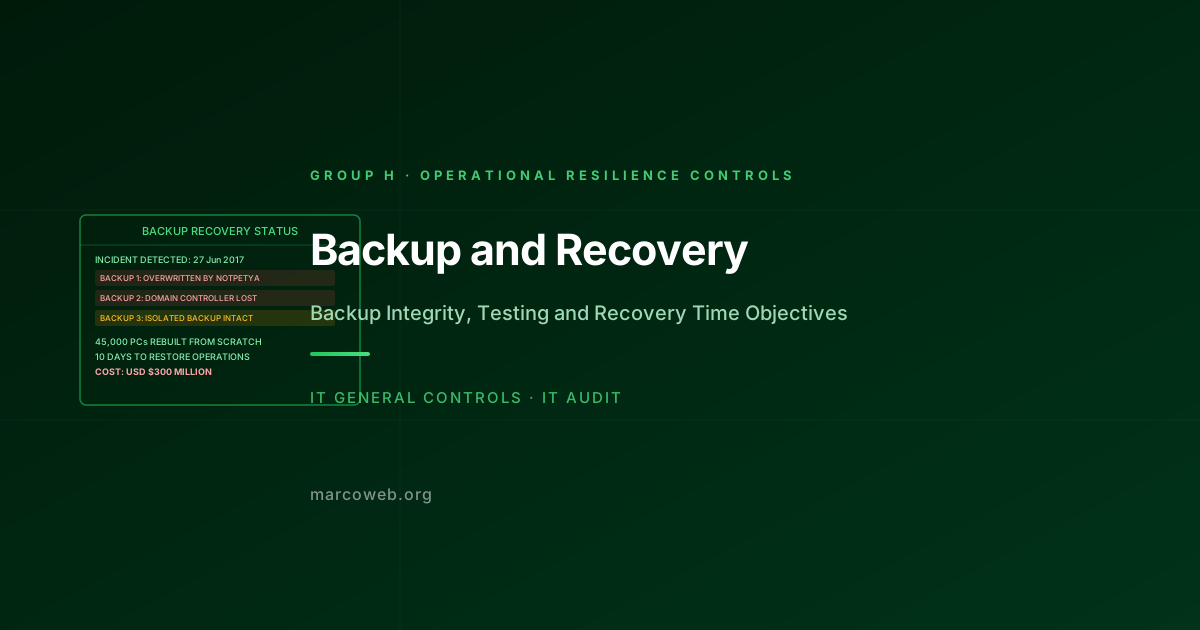
Maersk’s recovery was remarkable in its speed, given the scale of the destruction. The company reinstalled 45,000 PCs, 4,000 servers, and 2,500 applications in approximately 10 days. The cost was estimated at USD $300 million.
The recovery was made possible by a single surviving backup domain controller. Every one of Maersk’s 150 domain controllers had been destroyed by NotPetya. Every one except the controller in Maersk’s office in Accra, Ghana, which happened to be offline at the time of the attack due to a local power outage. That offline controller provided the directory that underpinned the entire restoration.
The CEO of Maersk described it as a “stroke of luck.” An auditor would call it an absence of controlled backup isolation.
The Risk
Backup and Recovery controls address the risk that data and systems critical to business operations cannot be restored within an acceptable timeframe following a destructive event, whether that event is a ransomware attack, a hardware failure, a human error, or a natural disaster.
The risk profile of inadequate backup and recovery includes:
Backup destruction by ransomware and wipers: Modern ransomware variants specifically target backup systems before encrypting primary data. They search for backup software processes, delete shadow copies, and attempt to reach network-connected backup destinations. A backup system that is network-connected to the primary environment is not isolated from a network-propagating attack.
Untested backups that fail on restoration: A backup that cannot be successfully restored is not a backup. Backups that are created but never tested may fail due to corruption, incomplete data capture, incompatible restoration environments, or missing application dependencies.
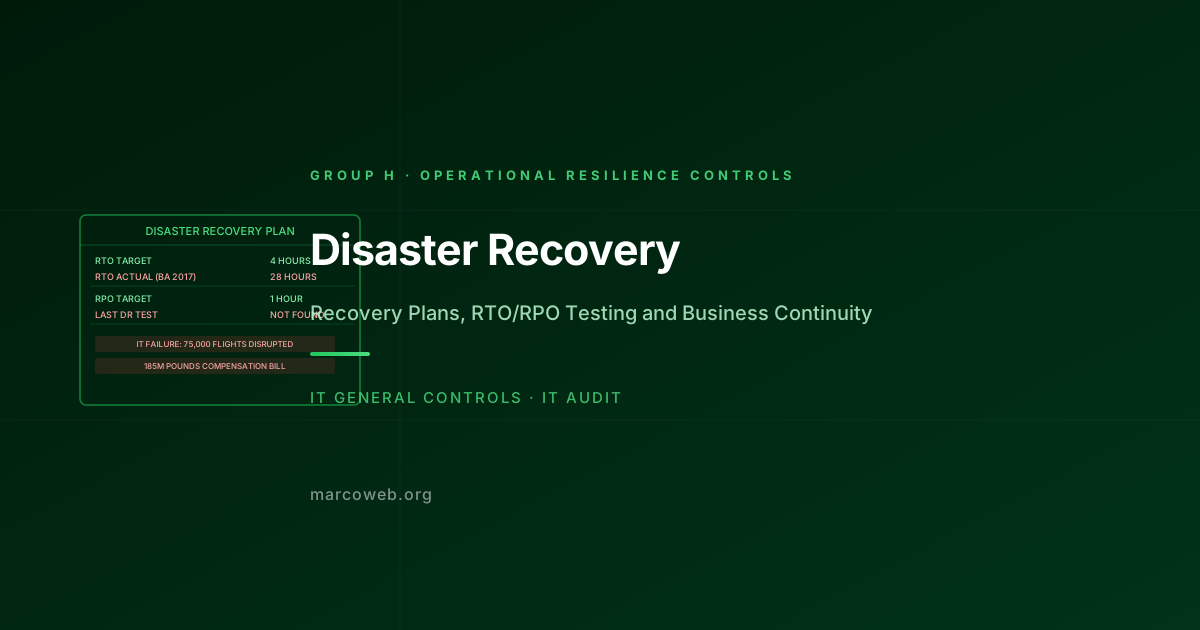
Recovery Time Objective (RTO) and Recovery Point Objective (RPO) gaps: An organisation that has defined an RTO of four hours but has never tested whether restoration can be completed in four hours does not know whether its recovery objective is achievable. The first test of the RTO should not be a real incident.
Scope gaps in backup coverage: Systems and data repositories that are not included in the backup scope are unrecoverable following a destructive event. Backup scope must match the recovery scope required to restore business operations.
Single backup location exposure: Backups stored in the same location as primary systems are vulnerable to the same physical or logical event that destroys primary data.
The Maersk Recovery
Maersk’s recovery from NotPetya is described in detail in Andy Greenberg’s Sandworm (2019), which draws on interviews with the Maersk engineers involved in the response.
The recovery team worked across four continents simultaneously. They had to reinstall software from media that had to be physically transported to recovery locations. They had to rebuild Active Directory from the single surviving Accra domain controller, which required physically flying engineers to Ghana to extract the controller and ship it to the UK, where the restoration began.
The 10-day recovery timeline was achieved through an extraordinary emergency effort. The pre-incident backup and recovery architecture, however, had not been designed to support recovery from total domain controller destruction. The survival of the Accra controller was genuinely accidental.
The specific backup control failures included:
No isolated backup of Active Directory: All 150 domain controllers were networked and all were reached by NotPetya. There was no air-gapped or offline backup of the Active Directory that would have been available regardless of network connectivity.
Backup systems networked to primary environment: Backup destinations were network-reachable from the primary Windows environment, allowing NotPetya to reach and encrypt backup data.
No tested scenario for total domain destruction: Maersk had not tested a recovery scenario that assumed complete destruction of all domain controllers. The scenario was considered implausible before NotPetya.
What Good Looks Like
Offline and air-gapped backups: At least one copy of critical backup data, including Active Directory, domain controller snapshots, and configuration data, is stored in a location that has no network connectivity to the primary environment. Offline backups cannot be reached by a network-propagating attack.
3-2-1 backup rule: Three copies of data on two different media types, with one copy offsite. At least one copy is not immediately accessible from the primary network.
Backup integrity testing on a defined schedule: Backups are tested by performing actual restoration to a test environment at least quarterly. The test confirms that the data is complete, readable, and that the application can start from the restored data.
Defined and tested RTO and RPO: The organisation has defined the maximum acceptable downtime (RTO) and maximum acceptable data loss (RPO) for each critical system. Recovery plans are tested to confirm they can achieve the defined objectives.
Backup scope review against business recovery requirements: The list of systems and data in the backup scope is reviewed against the list of systems required to restore minimum viable operations. Gaps are remediated.
How Auditors Test It
When auditing Backup and Recovery controls, an IT auditor will typically:
Assess backup coverage: Request the backup schedule and scope. Identify critical systems and data repositories. Confirm that each is included in the backup scope with a backup frequency consistent with the RPO.
Test backup isolation: Confirm that at least one backup copy is stored in a location not accessible from the primary network. For organisations in high-threat environments, assess whether offline or air-gapped backup copies exist.
Test backup integrity: Obtain evidence of recent backup restoration tests. Confirm that the test included an actual restoration (not just a verification of backup job completion). Confirm that the restored data was verified as complete and correct.
Test RTO and RPO compliance: Request the defined RTO and RPO for critical systems. Request the most recent disaster recovery test results. Confirm that the tested recovery time met the defined RTO.
Assess Active Directory and identity infrastructure backup: For organisations with Active Directory, confirm that domain controller backup and recovery procedures exist. Confirm that the procedure has been tested. The most common single point of failure in enterprise recovery scenarios is an inability to restore the directory infrastructure.
Review backup failure alerting: Confirm that backup job failures are alerted and reviewed. A backup system that fails silently provides no protection.
Lessons and Recommendations
Maersk’s experience is the most thoroughly documented case of a total enterprise backup failure in the context of a destructive attack. The 10-day recovery required extraordinary human effort and cost USD $300 million. Without the Accra domain controller, recovery might have taken months.
Assume your backup systems are a target. Modern ransomware operators specifically target backup infrastructure. Backup systems that are always online and network-connected are not isolated. At minimum, one backup copy should be offline, air-gapped, or on immutable storage that cannot be modified by ransomware.
Test the scenario where your domain controllers are all gone. Most organisations have never tested this scenario because it seems implausible. NotPetya demonstrated it is achievable. Active Directory disaster recovery should be a tested scenario, not a theoretical procedure.
Test restoration, not just backup creation. A backup job that completes successfully every night provides no assurance that the data can be restored. Test the restoration. Test it in a representative environment. Test the RTO. The result will be uncomfortable, but it will be less uncomfortable than discovering the failure during a real incident.
Define your minimum viable recovery scope. What systems and data must be restored first for the organisation to function at a minimum level? Map that requirement to your backup and recovery architecture. Gaps in the minimum viable recovery scope are the highest-priority backup findings.
Review your cloud backup architecture. Cloud-hosted backup solutions that are accessible using the same credentials as the primary environment do not provide isolation from a credential-based or network-based attack. Ensure cloud backup storage is in a separate tenant, account, or subscription with independent credentials.
Assess Your Backup and Recovery Controls
The MarcoWeb ITGC Tool covers Backup and Recovery across Group H, with structured assessment templates for backup isolation, integrity testing, and RTO/RPO validation.
Open the ITGC Audit Tool