At approximately 5 PM on 31 January 2017, a GitLab.com database reliability engineer was responding to a database replication issue. The primary database had fallen under heavy load due to spam content, and a replica had fallen behind. The engineer was working to restore the replica’s position.
While cleaning up stale data on what the engineer believed was the replica, the rm -rf command was executed on the primary production database. Approximately 300 GB of live customer data was deleted.
GitLab responded with transparency that remains notable: they live-streamed the recovery attempt, posted detailed notes on what had gone wrong, and published a post-incident review within days that identified every failure in their backup and recovery process. Five different backup mechanisms were tested during recovery. Of the five, one produced useful data but it was six hours out of date.
Approximately 6 hours of customer data, including issues, merge requests, and comments, was permanently lost. 5,000 projects, 5,000 comments, and 700 users were restored from the available backup, but the data created in the six hours before the incident was not recoverable.
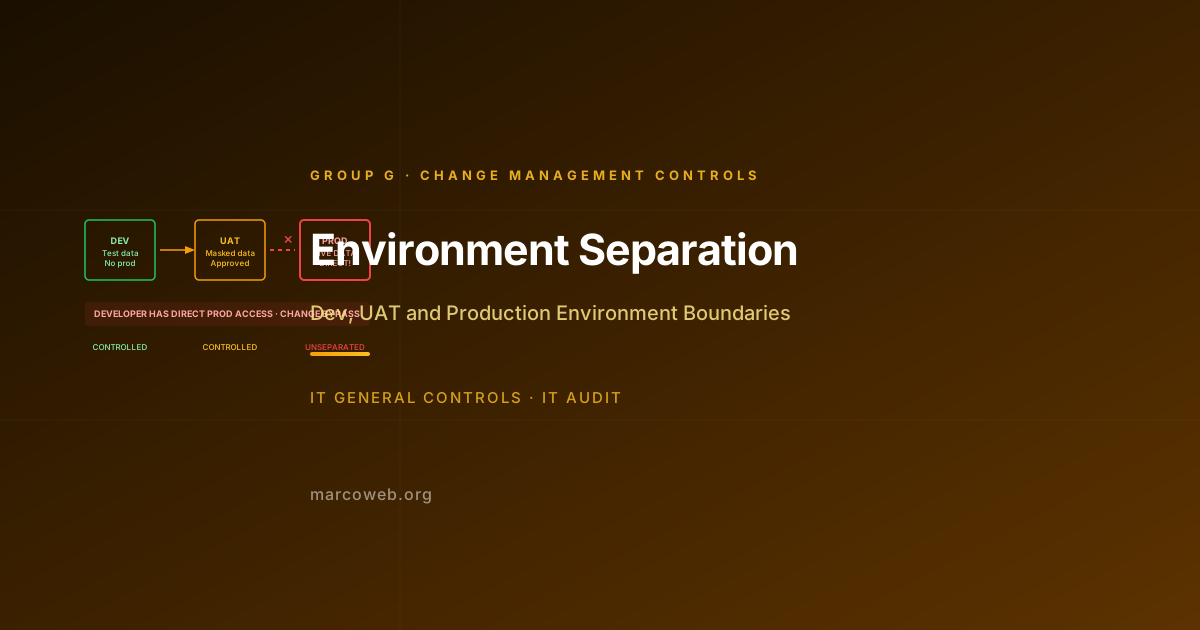
The primary control failure was that an engineer performing remediation work had direct access to the production database at the command line, in an environment where the production and replica databases were not clearly differentiated in a way that prevented a mistake in target selection.
The Risk
Environment Separation controls require that the development, user acceptance testing (UAT), and production environments are logically and where appropriate physically separated, with distinct access controls, and that changes flow through the environments in sequence with appropriate controls at each stage.
The risk of inadequate environment separation includes:
Production modification without change control: A developer or administrator who has direct access to production systems can make changes to production outside the change management process. These changes are often undocumented, untested, and irreversible.
Test activities in production: Testing in the production environment exposes real customer data to test processes, risks corrupting production data with test data, and produces test results that cannot be independently validated.
Production data in development or test environments: Development and test environments that are populated with copies of production data create unnecessary exposure of customer and employee data in environments with weaker security controls.
Accidental production impact from maintenance activities: As the GitLab case illustrates, administrators who routinely work across both production and non-production environments may make mistakes in target selection. Removing the ability to connect to production with the same tools used for non-production maintenance reduces this risk.
Deployment shortcuts that bypass testing: Without mandatory promotion through UAT to production, developers may deploy directly to production to save time, bypassing the testing controls that exist to catch defects before they affect customers.
The GitLab Incident in Detail
GitLab’s post-incident review, published publicly, identified the following specific failures:
No access control differentiation: The database administrator had direct SSH access to both the replica and the production database servers. The terminal sessions to each server were identically presented. There was no technical barrier to accidentally connecting to the wrong host.
No confirmation prompt for destructive operations: The rm -rf command executed without a confirmation prompt that would have required the engineer to confirm they intended to delete production data.
Incomplete backup coverage: GitLab operated five different backup mechanisms. Of the five:
- The regular backup process had not been tested in months and had silently stopped working due to a disk space issue.
- The S3 bucket backups were blank due to a configuration issue that had not been detected.
- The database replicas did not have the data because they were the source of the original incident.
- The staging backup was available but 6 hours behind.
- The Azure backups were found to contain only 4.5 GB rather than the expected 300 GB.
The transparency of GitLab’s disclosure means their incident is more detailed than most comparable events, but the failures are not unusual. Environment access controls and backup verification are commonly inadequate.
What Failed
Identical access paths for production and non-production: The engineer could connect to both production and replica environments using the same tools and credentials, with no visual or technical differentiation that would have made a target selection error obvious.
No technical barriers to production modification: Direct command-line access to the production database allowed the rm -rf command to execute without any intervening control that would have required a second confirmation or an additional approval step.
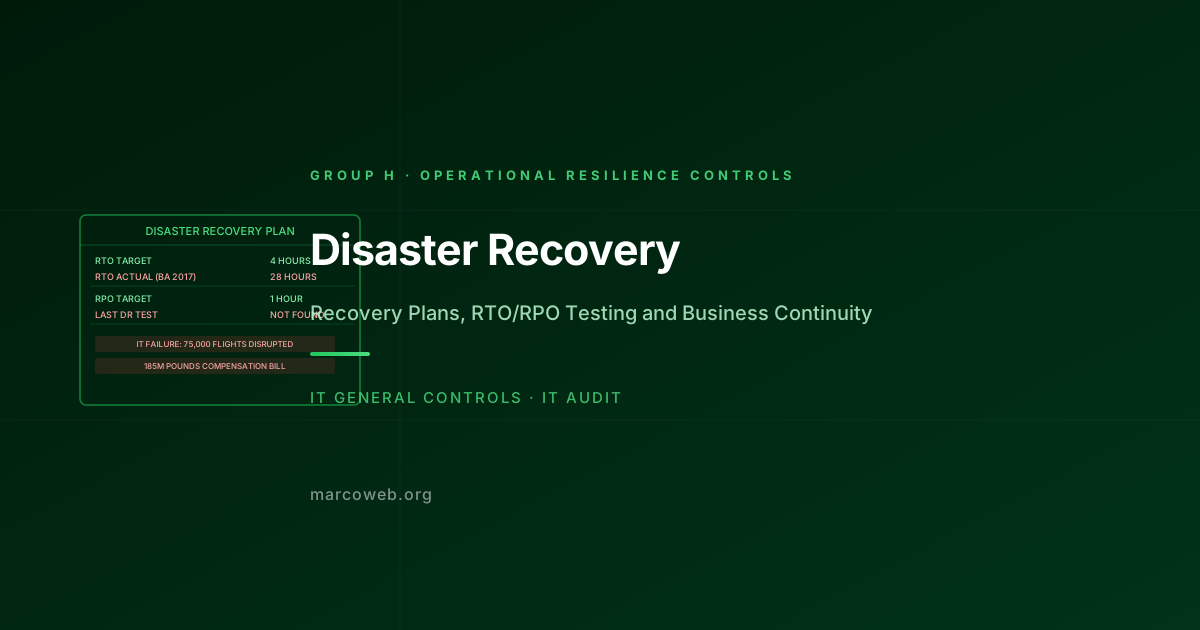
No backup integrity testing: Multiple backup mechanisms existed but none had been tested recently enough to confirm they were functioning. A backup whose integrity has not been tested is not a backup.
Production data accessible from non-production environments: The replica that was the intended target of the cleanup was holding production data in an environment with the same access controls as production. A more complete environment separation would have isolated production data from the maintenance environment.
What Good Looks Like
Distinct access paths for production and non-production: Production systems require credentials, connection methods, or jump hosts that are distinct from those used for non-production systems. Accessing production requires a deliberate additional step that makes the intent explicit.
Confirmation prompts and approval steps for destructive production operations: Operations that would modify or delete significant amounts of production data require a typed confirmation that names the target system and the nature of the operation.
No direct developer access to production: Developers do not have standing access to production systems outside of a formal, monitored access process. Changes to production code are deployed through the CI/CD pipeline, not by direct connection.
Mandatory promotion through UAT: Code and configuration changes must pass through a UAT environment and receive formal sign-off before they can be deployed to production. Bypassing UAT requires an emergency change process with explicit approval.
Non-production environments use masked or synthetic data: Development and test environments do not contain copies of production customer data. Data masking or synthetic data generation is used to provide realistic test data without exposing real customer information.
How Auditors Test It
When auditing Environment Separation controls, an IT auditor will typically:
Assess the access control differentiation between environments: Confirm that production systems have distinct access credentials or connection paths from non-production systems. Test whether a user with non-production access can also access production with the same credentials.
Test developer access to production: Confirm that developers do not have standing access to modify production systems or data outside of the change management process. For a sample of developers, confirm that their access rights do not include production modification.
Test deployment pathway controls: Confirm that the deployment process requires code to pass through a defined non-production environment (UAT or staging) before production deployment. Test whether it is possible to deploy directly from development to production without going through UAT.
Assess production data in non-production environments: Review whether non-production environments (dev, UAT) contain copies of production customer or financial data. Confirm that data masking or synthetic data is used in non-production environments.
Test environment labelling and visual differentiation: Assess whether the systems and applications in production are visually or technically labelled in a way that makes it difficult to confuse production with non-production when working across environments.
Review privileged access to production: Confirm that direct command-line or database access to production systems is restricted to a defined set of operations staff and requires a formal process to activate. Review the log of production access for the period.
Lessons and Recommendations
GitLab’s post-incident review is worth reading in full. Its transparency about the failure of multiple backup mechanisms is a more useful contribution to the IT industry’s understanding of backup risk than any number of theoretical assessments. The environment separation lesson is equally clear: routine production access is a risk.
Make production access feel different. If connecting to production feels the same as connecting to a test environment, the engineer connecting will eventually make a mistake in target selection. Distinct credentials, distinct terminal colours, distinct connection workflows, and confirmation prompts all reduce that risk.
Never let “the backup system exists” substitute for “the backup has been tested.” GitLab had five backup mechanisms. None of them had been recently tested. Test your backups. Test them regularly. Test the restoration, not just the creation.
Eliminate standing developer production access. A developer who does not have standing production access cannot accidentally or impulsively make an untested change to production. Access should be provisioned per-request, approved, monitored, and automatically revoked.
Use real environment gates, not honour systems. A policy that says “do not deploy to production without UAT sign-off” enforced by process is weaker than a technical control that prevents deployment to production without a UAT sign-off record in the CI/CD pipeline.
Mask production data in non-production environments. If your developers are testing against a copy of production data, you have a data exposure risk in every environment that data touches. Use masked or synthetic data in non-production environments.
Assess Your Environment Separation Controls
The MarcoWeb ITGC Tool covers Environment Separation across Group G, with structured assessment templates for access control differentiation, deployment pathway controls, and production data management.
Open the ITGC Audit Tool