In May 2021, JBS Foods, the world’s largest meat processing company, was hit by a ransomware attack attributed to the REvil group. JBS operates beef, pork, and poultry processing plants across the United States, Canada, Australia, and other countries. The attack forced the temporary closure of all nine of JBS’s beef processing plants in the United States, plants that together produce approximately 20% of the United States’ beef supply.
The disruption lasted several days. Workers were sent home. Livestock that had been transported to processing facilities were held. Wholesale beef prices jumped. The Australian operations were also affected.
JBS ultimately paid USD $11 million in Bitcoin to the attackers to obtain a decryption key and prevent the release of stolen data.
The attack vector involved compromised remote desktop protocol (RDP) credentials. The attackers accessed the JBS IT environment remotely using stolen credentials for administrative access to systems that included the ERP environment. Multi-factor authentication was not enforced on the remote access pathway into the production environment.
In the context of this post, the lesson is focused specifically on application authentication within finance, payroll, and business applications: the controls that govern how users authenticate into the systems that manage the organisation’s most sensitive operational and financial data.
The Risk
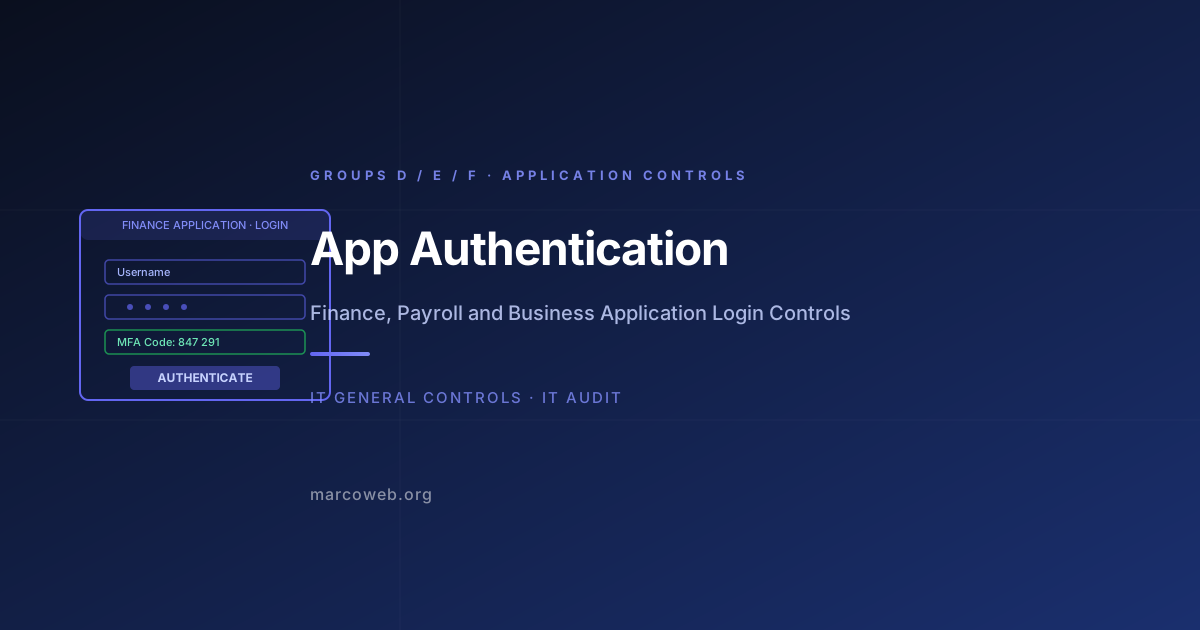
Application Authentication in the D/E/F context covers the authentication controls specific to finance, payroll, HR, and key business applications, such as SAP, Oracle E-Business Suite, Workday, Microsoft Dynamics, ADP, and similar platforms.
These applications are distinct from general IT systems in several ways:
Data sensitivity: Finance and payroll applications hold the data that directly supports financial reporting, compensation processing, and regulatory compliance. Unauthorised access creates both financial and regulatory risk.
Transaction authority: These applications execute real financial transactions: payments, payroll runs, journal entries, purchase orders. A compromised account can initiate transactions that are difficult or impossible to reverse.
Privileged functionality: Application superuser and administrative accounts have capabilities that bypass normal application controls. Default or unprotected administrator accounts in ERP systems represent a specific and severe risk.
Third-party access: Finance applications are frequently accessed by auditors, consultants, and outsourced service providers. Third-party authentication controls must meet the same standard as internal user controls.
Without adequate application authentication:
- External attackers who compromise credentials can directly access and manipulate financial data
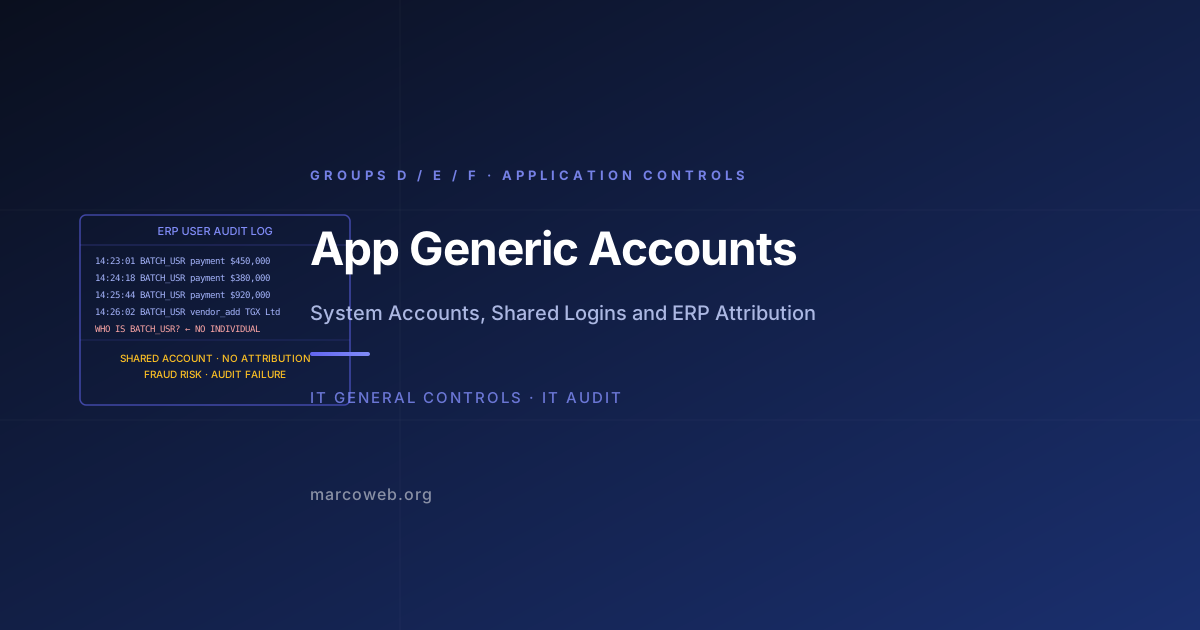
- Shared or default credentials prevent attribution of transactions to individuals
- Weak passwords on service accounts that integrate applications create exploitable pathways
Application Authentication in the JBS Context
The JBS attack illustrates what happens when remote access into a business-critical environment is not protected by strong authentication. The attackers obtained administrative credentials, likely through credential stuffing, phishing, or purchase on criminal forums, and used them to access the JBS network via RDP.
Once inside, they moved to the production systems that supported JBS’s plant operations, including ERP and operational systems. Ransomware was deployed against these systems. The inability to continue production was not because the ransomware directly attacked assembly lines; it was because the ERP and logistics systems that coordination production and distribution were encrypted.
JBS’s choice to pay USD $11 million reflected the calculation that restoring systems from backup would take longer than paying the ransom and receiving the decryption key, a calculation that itself reflects the scale of system dependency and the adequacy of backup and recovery controls.
Had the remote access pathway required MFA in addition to the compromised credentials, the attackers would not have been able to use those credentials to access the environment. Application authentication is the control that determines whether a stolen password is sufficient to cause that kind of disruption.
What Good Looks Like
MFA for all remote access into application environments: Any pathway that allows access to finance, payroll, or ERP applications from outside the corporate network requires MFA. This includes VPN, RDP, and any direct application login URL.
Strong password policy enforced at the application layer: Finance and ERP applications often have their own password policy configuration, separate from Active Directory. Ensure that application-level password policies (minimum length, complexity, lockout, history) meet or exceed the corporate standard.
No default or shared application administrator accounts: Every standard ERP platform ships with default administrator accounts (SAP’s SAP* and DDIC, Oracle’s SYS and SYSTEM, etc.). These accounts must have their default passwords changed before the system is promoted to production. Ideally, they are locked when not in use.
Individual accounts for all human access: Application access is provisioned to individually attributed accounts. No human logs in using a shared or generic application account.
Session timeout and re-authentication: Finance application sessions timeout after a defined period of inactivity. Users who access particularly sensitive functionality (e.g., payment processing) may be required to re-authenticate before completing the transaction.
Audit logging of authentication events: All login attempts, successful and failed, are logged at the application level and forwarded to the centralised SIEM. Failed logins above a threshold trigger alerts.
How Auditors Test It
When auditing Application Authentication for Groups D, E, and F, an IT auditor will typically:
Review application password policy configuration: Extract the password policy settings from the ERP or finance application. Compare against the organisational standard. Flag gaps in complexity, length, history, or lockout settings.
Test MFA enforcement: Attempt to log in to the application from outside the corporate network without MFA. Confirm that MFA is enforced at the application or identity provider level.
Test default account status: For SAP, verify that SAP* and DDIC are either locked, have non-default passwords, or are restricted via profile settings. For Oracle, verify SYS and SYSTEM password management. For other platforms, apply equivalent tests.
Test individual account usage: Confirm that all application accounts are individually attributed. Identify shared or generic accounts. Assess whether those accounts are actively used and by whom.
Assess third-party authentication: Request a list of external users (auditors, consultants, outsourced providers) with application access. Confirm that their authentication mechanisms meet the same standard as internal users.
Test session timeout configuration: Confirm that session timeout is configured and that the timeout period is within the policy-defined limit. Test timeout by leaving a session idle for the defined period.
Lessons and Recommendations
JBS paid USD $11 million because a password was not enough protection for the remote access pathway into their operational environment. This is a scenario that repeats, in varying scale, across every industry.
MFA on every external access pathway is non-negotiable. RDP, VPN, and direct application access URLs that are reachable from outside the corporate network must require MFA. A stolen password should not be sufficient to reach your ERP.
Lock default application accounts before go-live. Every ERP platform ships with known default accounts and, in some cases, known default passwords. These must be addressed in the deployment runbook, not discovered during an audit.
Treat ERP authentication as a higher-risk environment than general IT. Finance and payroll applications execute financial transactions. The authentication standard for these applications should be elevated to match that risk profile.
Audit your application-level password policies separately from Active Directory. Application-level password controls are configured independently of the Windows domain. They may not match the corporate standard and often do not. Verify them explicitly.
Include application authentication in penetration testing scope. External-facing ERP access URLs should be tested as part of the periodic security assessment program. Credential stuffing and default account testing should be included.
Assess Your Application Authentication Controls
The MarcoWeb ITGC Tool covers Application Authentication across Groups D, E, and F, with structured assessment templates for ERP password policy, MFA verification, and default account testing.
Open the ITGC Audit Tool