On 12 May 2017, a ransomware worm named WannaCry began propagating across the internet at unprecedented speed. Within 24 hours, it had infected over 230,000 systems in 150 countries. It encrypted files on every machine it reached and demanded a ransom in Bitcoin to restore access.
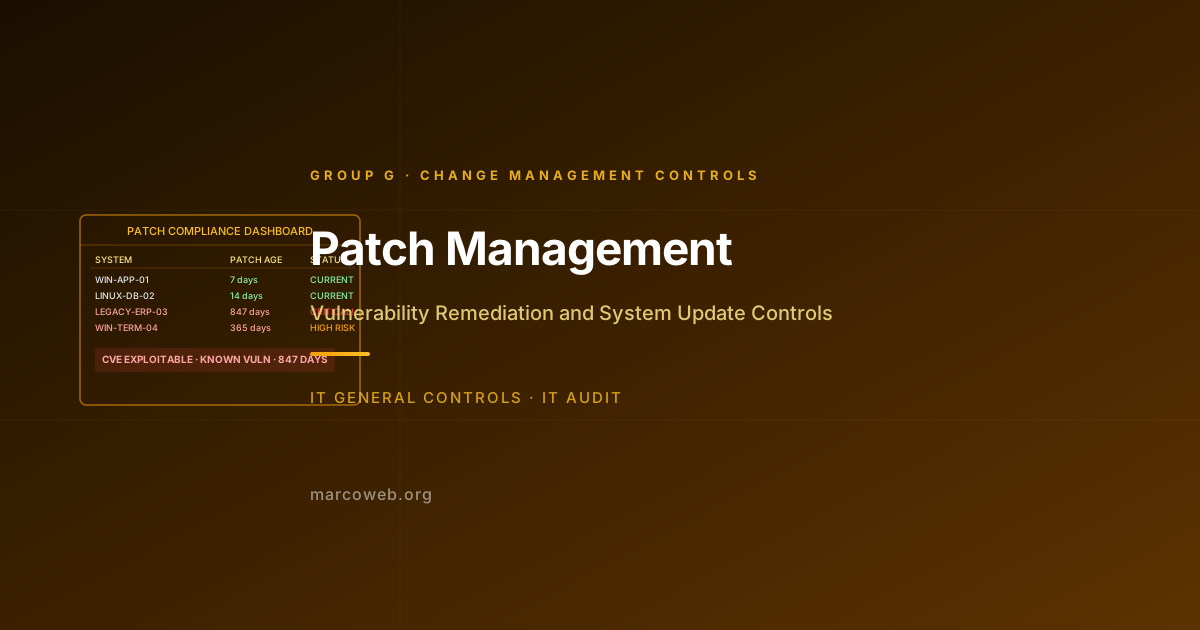
WannaCry exploited EternalBlue, a vulnerability in the Windows Server Message Block (SMB) protocol. Microsoft had released a patch for that vulnerability, MS17-010, on 14 March 2017. Two months before WannaCry launched. Organisations that had applied the patch were protected. Organisations that had not were not.
The National Health Service in the United Kingdom was among the hardest hit. Approximately one-third of NHS trusts in England were affected. An estimated 19,000 appointments were cancelled. Ambulances were diverted. Surgery was postponed. The estimated cost to the NHS was GBP 92 million, the single largest known cost to the NHS from a cyberattack.
This is the case for Endpoint Protection as an ITGC control.
The Risk
Endpoint Protection covers the security controls applied to individual devices: laptops, desktops, servers, mobile devices, and increasingly, operational technology endpoints. It encompasses antivirus and endpoint detection and response (EDR) tools, patch and update management applied at the device level, hardened security baselines, and controls governing removable media.
The risk of inadequate endpoint protection is both direct and indirect:
Direct: A compromised endpoint gives an attacker a foothold in the environment from which they can harvest credentials, access data, and move laterally.
Indirect: Endpoints are the delivery mechanism for most malware. An unprotected endpoint that executes a malicious file or exploits a known vulnerability creates a risk that propagates through the entire environment.
WannaCry’s catastrophic spread across the NHS was not because the NHS lacked antivirus software. It was because the endpoints running Windows XP and unpatched Windows 7 could not be protected by signature-based antivirus alone against a worm exploiting a vulnerability in the operating system itself. Only the patch closed that exposure.
The NHS WannaCry Case
The NHS ran a large estate of Windows XP endpoints. Microsoft had ended mainstream support for Windows XP in 2014 and had explicitly not included XP in the MS17-010 patch release on 14 March 2017. (Microsoft later released an emergency patch for XP on 13 May 2017, the day after WannaCry launched, in response to the global crisis.)
NHS digital infrastructure was managed by a combination of NHS trusts, local IT teams, and third-party contractors. Patch management was decentralised. There was no single authority that could mandate and verify patch deployment across the NHS estate.
WannaCry entered the NHS through unpatched internet-facing systems and spread internally via SMB traffic on the internal network. Because internal network segmentation was inadequate (consistent with the architecture failures described in Control B.1), the worm could reach endpoints across multiple hospital departments and trusts.
Once a system was infected, WannaCry encrypted files and spread to every adjacent system accessible via SMB. Clinical staff could not access patient records, radiography equipment, or pharmacy systems. In some trusts, staff reverted to paper records. Major trauma centres were affected. Ambulances were diverted.
The attackers behind WannaCry (attributed to Lazarus Group, a North Korean state-sponsored threat actor) apparently did not anticipate the scale of the disruption their worm would cause. The worm included a kill switch domain that, when registered by a security researcher named Marcus Hutchins, halted new infections. The damage already done, however, was not reversed.
What Failed
Unpatched endpoints at scale: The NHS estate included a significant number of endpoints running Windows XP, for which no mainstream patch existed, and Windows 7 endpoints on which the MS17-010 patch had not been deployed.
No centralised patch management: Without a unified patch management function able to mandate and verify deployment, individual trusts made their own patching decisions, leading to inconsistent coverage.
No EDR on critical endpoints: Traditional signature-based antivirus was insufficient to detect or block the behavioural pattern of a worm exploiting an OS-level vulnerability. Endpoint Detection and Response tools, which monitor process and network behaviour, would have provided an additional detection layer.
Inadequate network segmentation: As noted in the B.1 context, the NHS internal network did not enforce boundaries between departments, enabling the worm to spread rapidly once inside any trust’s network.
Legacy systems without compensating controls: Where legacy OS versions were unavoidable (specialist medical equipment often runs locked-down older OS versions), compensating controls such as network isolation and enhanced monitoring were not consistently applied.
What Good Looks Like
Centralised patch management: All endpoints, servers and workstations, are enrolled in a patch management system. Critical patches are deployed within a defined SLA (commonly 30 days for critical, 90 days for high). Deployment is verified by the patch management system, not assumed.
EDR deployment: All endpoints run an EDR agent that monitors process behaviour, file activity, network connections, and system calls. EDR detects threats based on behaviour, not just known signatures, and provides visibility for incident responders.
Security baseline enforcement: Endpoints are configured to a hardened baseline. SMBv1 is disabled. Unnecessary services are turned off. Local administrator accounts are controlled. Configuration compliance is verified.
Legacy system management: Legacy endpoints that cannot be patched or updated are isolated on dedicated network segments with strictly controlled connectivity. Enhanced monitoring compensates for the inability to patch.
Removable media controls: USB device usage is restricted by policy and enforced by technology. Removable media introduces malware and enables data exfiltration. Controls include allowlisting of approved devices and DLP policies for file copy to external media.
How Auditors Test It
When auditing Endpoint Protection (Control B.3), an IT auditor will typically:
Request the patch management report for the period. Assess the percentage of endpoints at current patch level for critical and high severity patches. Test a sample of endpoints against the patch management tool’s records to verify deployment.
Test the patch SLA: For a sample of critical patches released during the period, trace from vendor release date to confirmed deployment date. Assess whether deployment met the defined SLA.
Verify EDR deployment: Confirm that EDR software is deployed to all in-scope endpoints. Request a deployment report from the EDR management console. Assess the percentage of endpoints with active agents.
Assess OS version currency: Obtain a list of OS versions running across the endpoint estate. Flag any end-of-life or end-of-mainstream-support operating systems. For each flagged system, assess whether compensating controls are documented and implemented.
Test security baseline compliance: Obtain the defined security baseline for endpoints. Request a compliance report from the endpoint management tool. Assess whether key baseline settings (SMBv1 disabled, local admin controls, auto-update enabled) are enforced.
Assess removable media controls: Confirm that USB device controls are configured on managed endpoints. Request policy documentation and a sample of any exceptions approved during the period.
Lessons and Recommendations
WannaCry is nearly a decade old and remains one of the most studied attacks in cybersecurity. Its relevance to endpoint protection is unchanged: unpatched systems are exploitable, and the cost of patching is always less than the cost of a breach.
Patch critical vulnerabilities within 30 days. This is the industry standard, and it exists for good reason. Threat actors begin exploiting publicly disclosed vulnerabilities within hours of disclosure. A 30-day window for critical patches is already a risk.
Enumerate your legacy endpoints. Every organisation has some. Know where they are, what they run, and what compensating controls are applied. A legacy system is a risk register entry, not a footnote.
Deploy EDR, not just antivirus. Signature-based antivirus is a necessary but insufficient control. EDR provides the behavioural detection and incident response visibility that antivirus cannot.
Enforce network isolation for legacy systems. If an endpoint cannot be patched, it must be isolated. Network isolation is not a substitute for patching, but it limits the blast radius when a legacy endpoint is compromised.
Test your patch coverage, do not assume it. Patch management tools report compliance based on what they can see. Unmanaged or rogue endpoints may not appear in the tool. Periodic network discovery scans identify endpoints that have fallen out of management.
Assess Your Endpoint Protection Controls
The MarcoWeb ITGC Tool covers the full Group B control set including Endpoint Protection, with structured assessment templates for patch management, EDR, and baseline verification.
Open the ITGC Audit Tool